jrobinson said...A few photo sequences from st kilda 5/1/13..
These are my first attempts
First photo rider: Nick Savage
2nd: Jeremy Robinson
Photos taken by Justin Sheppard
Any tips on how to improve them would help
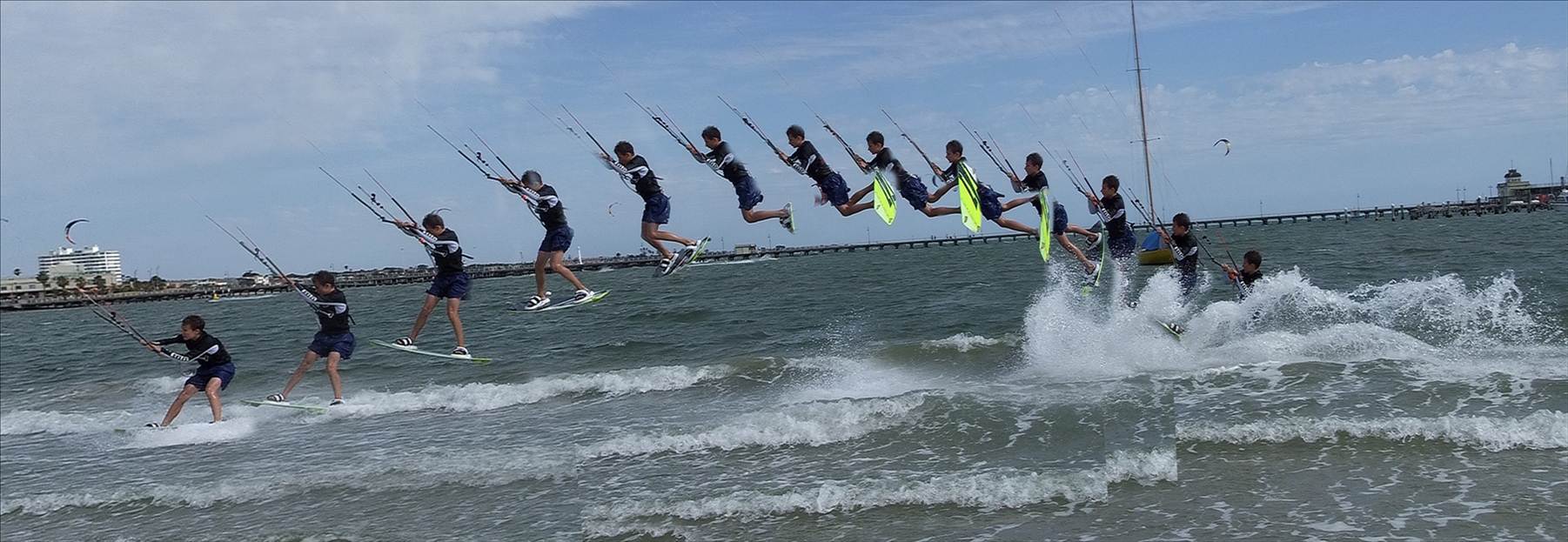
Nick Savage
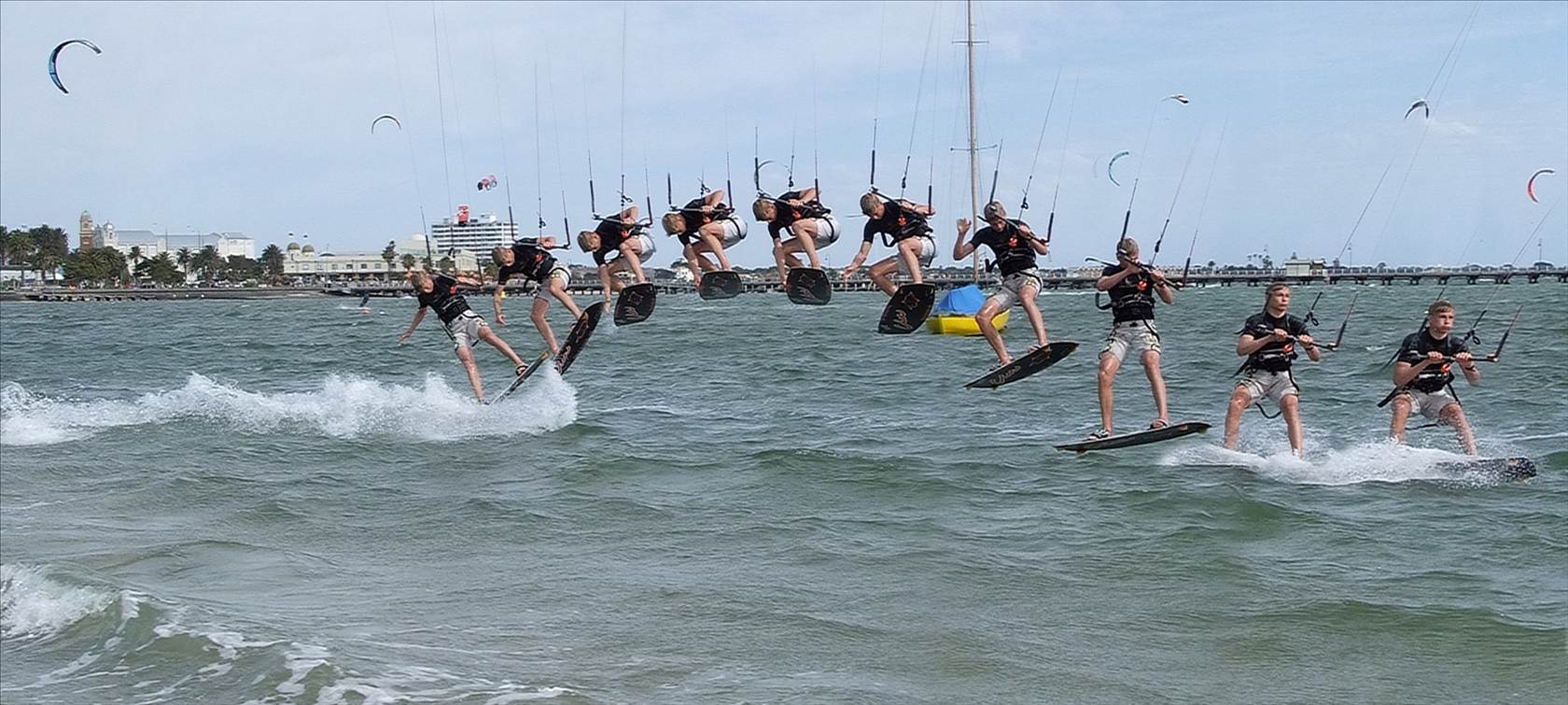
Jeremy Robinson
It's a good first go. The second is the better one for me. What program are you using for your editing?
1. You merging on the first needs some work, particularly where there is an overlap. I'd suggest using less frames to make life a little easier until you get to grips with photoshop or whatever tool you are using. Having a sequence using high frame rates doesn't mean you actually have to use all the frames, you can use half of them if need be. Try doing a search for google on kiteboarding sequences and you'll find they often use less. I'd also check around the rider in the air, some of the combining of frames mean's you've cut off part of the arms.
2. Try lightening the shadows on the first so the rider's skin isn't as dark
3. Straighten the horizon on the first, It will effect the final crop but it looks better
4. You can do a little work around the white balance on the images. If you're not sure on which is the best way to do it, try taking a grey card along (relatively cheap), but the first particularly looks a little cold.